Volumes
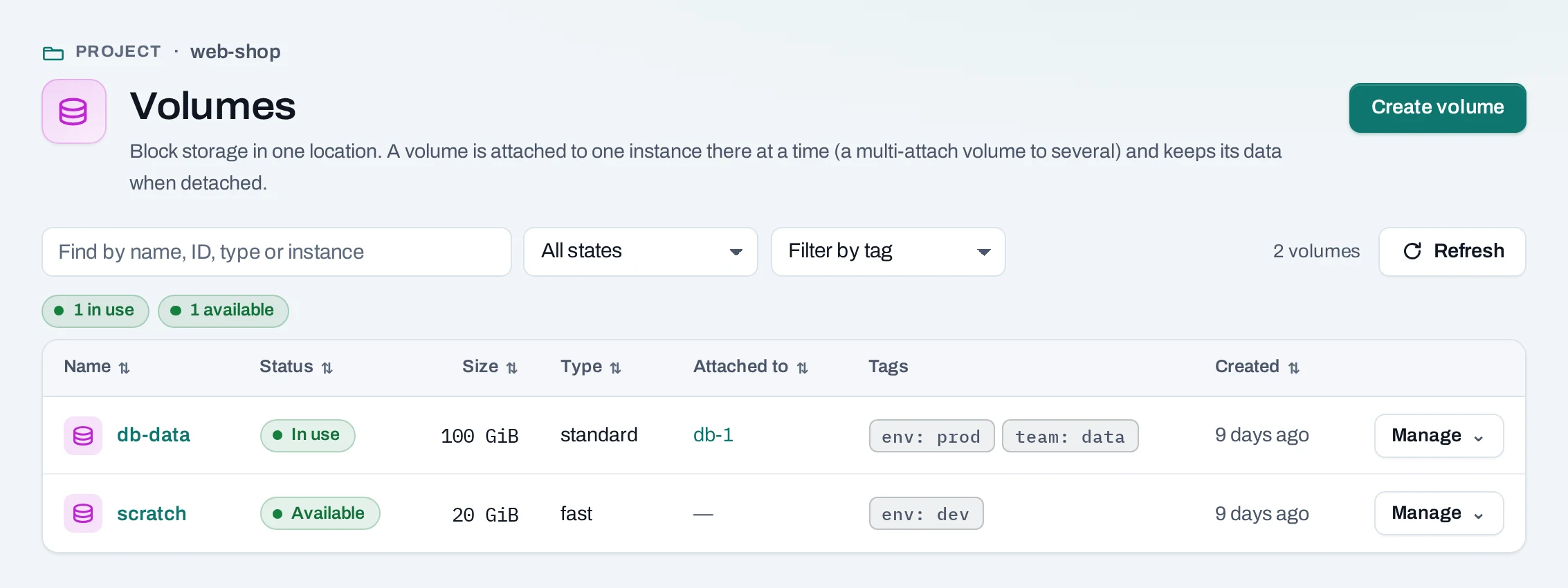
A volume is block storage that keeps its data apart from any one instance. Attach it to an instance and it appears there as a new disk; detach it and attach it to another, and the data goes with it. A volume attaches only to instances of its own project.
Use it for databases, uploads and anything that must outlive an instance.
Find them under Storage → Volumes.
Before you start
A role of project admin or project member, and room in the project's volume quota.
Create a volume
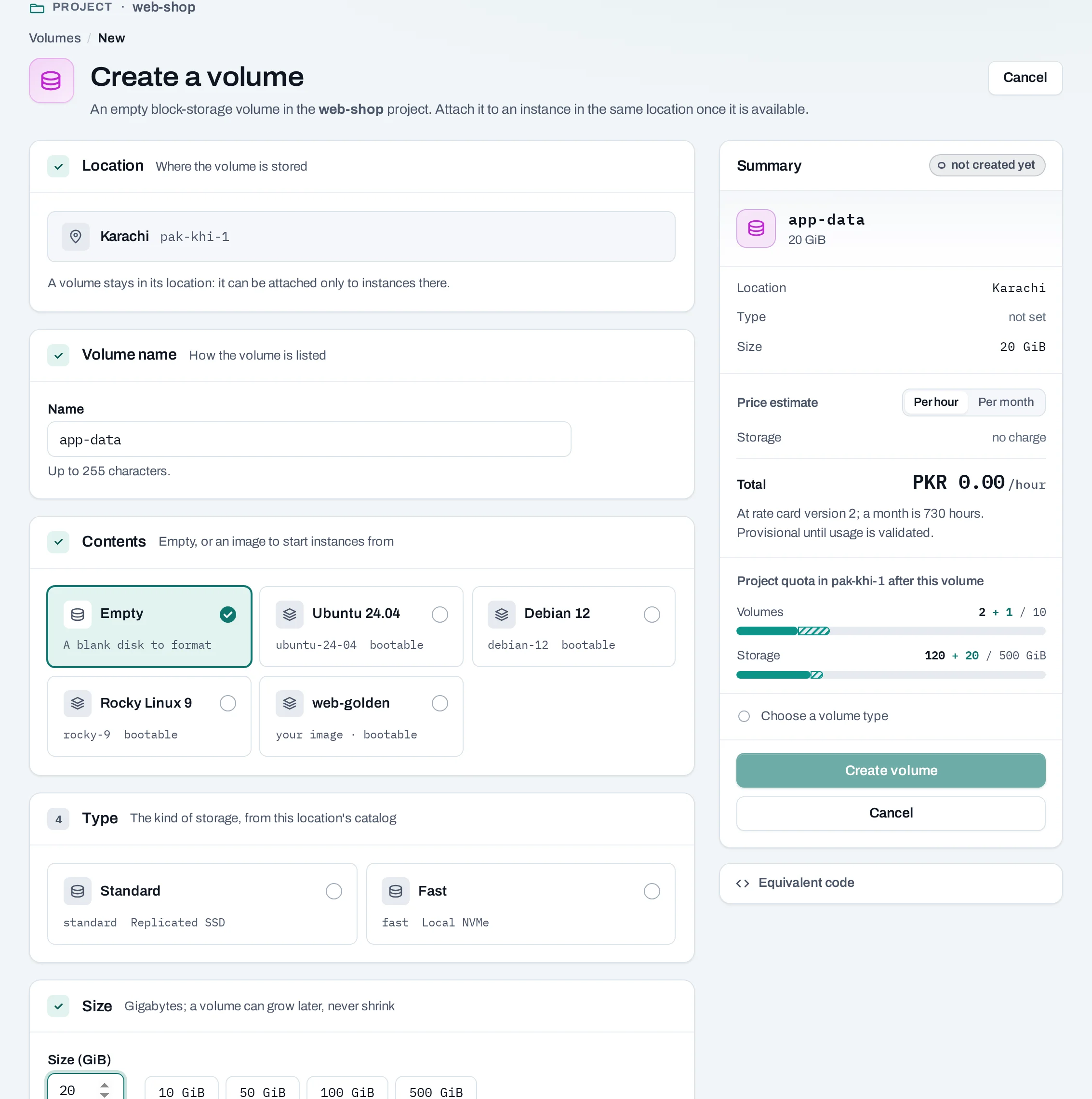
- Choose Create volume.
- Volume name (up to 255 characters). Location shows the project's location.
- Contents: Empty, or An image (the volume is marked bootable). To make one from a snapshot, use the snapshot's Create volume from it instead.
- Type: the kind of storage, from the location's catalog. The list marks a volume encrypted when the location reports it.
- Size: whole GiB from 1 to 4096. A volume can grow later, never shrink.
- Choose Create volume. The summary shows the project's quota afterwards and, for owners, admins and the billing role, the price estimate.
curl -sS -X POST "$NUBESTACK_API/v1/orgs/$ORG/projects/$PROJECT/volumes" \
  -H "Authorization: Bearer $NUBESTACK_API_KEY" \
  -H "Idempotency-Key: $(uuidgen)" \
  -H "Content-Type: application/json" \
  -d '{"location": "loc_01jbkhi", "display_name": "app-data", "size_gb": 20, "volume_type": "standard"}'
image/image_id makes it from an image; snapshot_id from a snapshot.
You can also create empty volumes with a new instance, in its Volumes section.
Attach and detach
- Manage → Attach to instance, or Manage → Attach volume on the instance: a running or stopped instance of the project.
- Manage → Detach: unmount the disk inside the instance first, or data still being written can be lost. Stopping an instance does not detach its volumes.
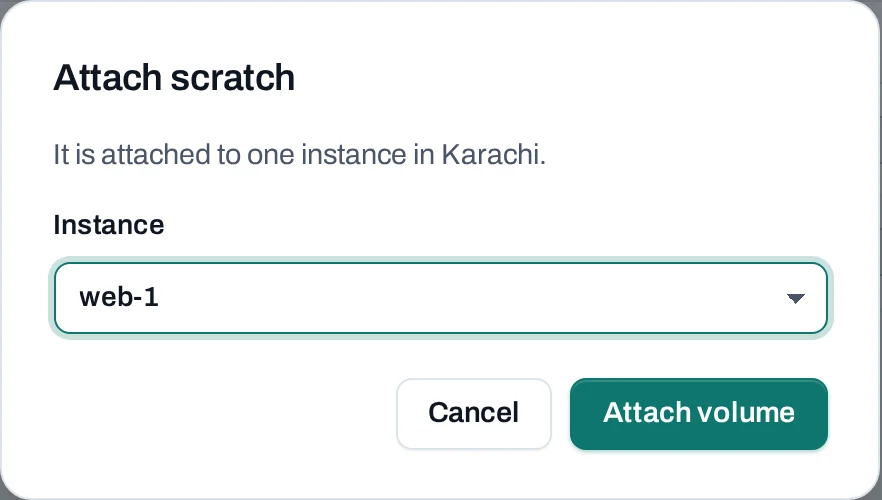
Inside the instance, find the disk by its label or UUID, not by a name such as /dev/vdb, which
can change between attachments. The tutorial shows how to
format and mount it.
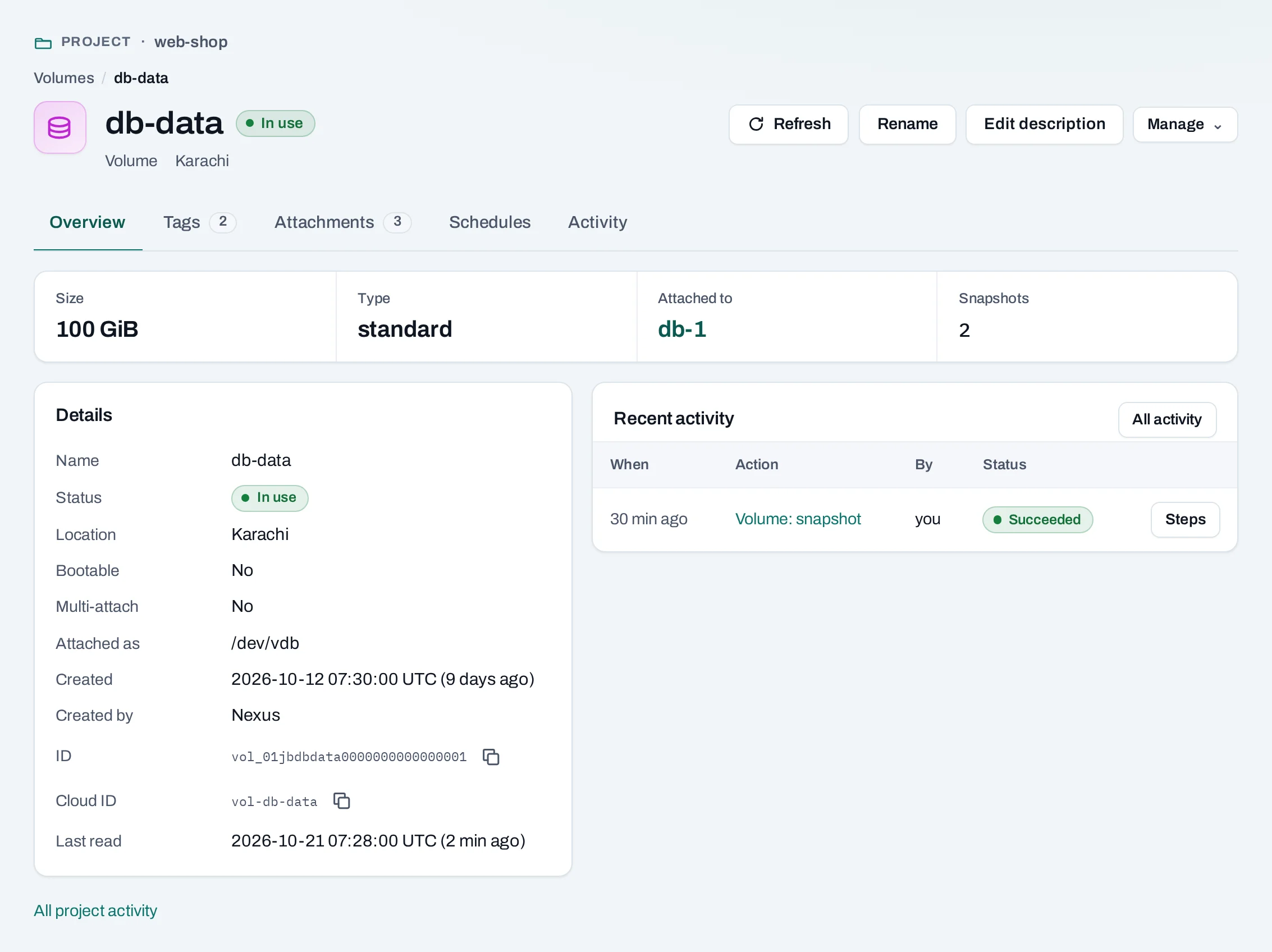
A volume attaches to one instance at a time. A multi-attach volume, marked in the list, can attach to several; use a cluster file system on it, or the data is corrupted.
Change a volume
These need the volume detached; the menu says so when it is not.
| Action | What it does | API |
|---|---|---|
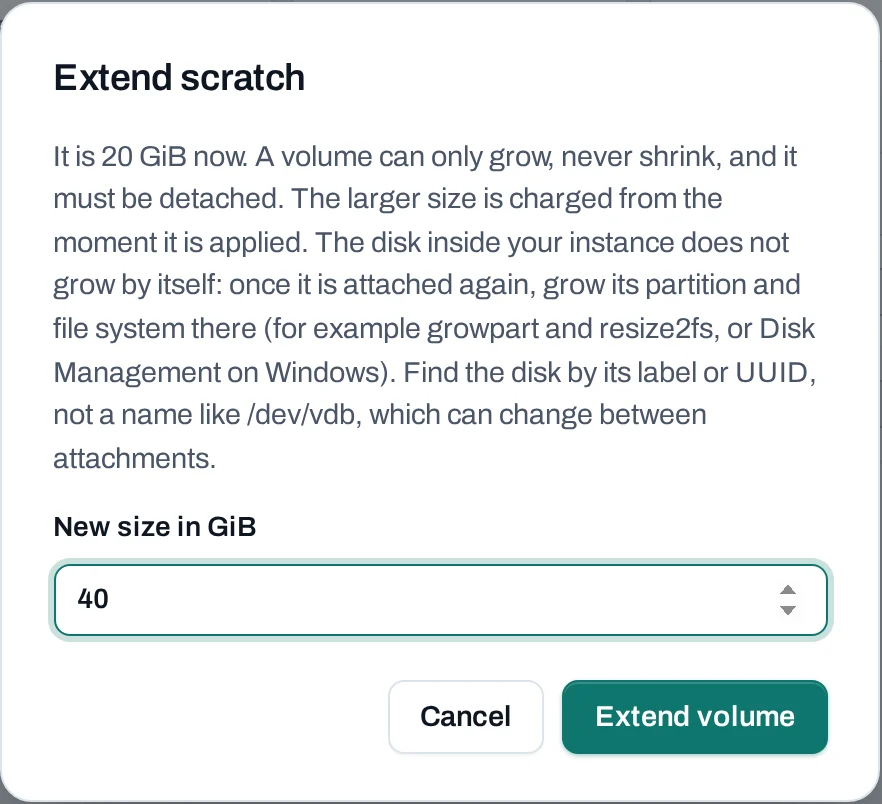
| Extend | A larger size. Grow the partition and file system inside the instance afterwards, for example with growpart and resize2fs. |
:extend {"size_gb": 50} |
| Change type | Moves it to another volume type of the location. | :retype {"volume_type": "fast"} |
| Create snapshot | A point-in-time copy; see Snapshots. | :snapshot {"display_name": "…"} |
| Move to project | Moves it, with its data, to another of your projects in the same location. Only a volume with no snapshots can move. | :transfer {"target_project_id": "prj_…"} |
Any time: Mark bootable / Mark not bootable (:set-bootable), Rename (PATCH), and
Tags.
Delete a volume
What blocks a delete
| Refusal | Why | Resolve |
|---|---|---|
volume_in_use |
It is attached to an instance | Unmount it inside the instance, then Detach |
volume_has_snapshots |
It has snapshots; the message lists them | Delete its snapshots, or the backup schedule that keeps making them |
Limits and good practice
- 1 to 4096 GiB per volume, within the project's quota. Up to 8 attached at instance creation.
- Not offered: growing or retyping a volume while attached, copying a volume to another location, making a volume straight from another volume, and choosing encryption yourself.
- Snapshot before an upgrade; a backup schedule snapshots on a timetable.
- Volumes and their snapshots count in your usage until deleted.