Routing
Each project has one private router in its location. It is set up with the project, without a public address, and every routed network of the project is attached to it, so instances on one routed network reach instances on another.
Find it under Networking → Routing, with the networks behind it.
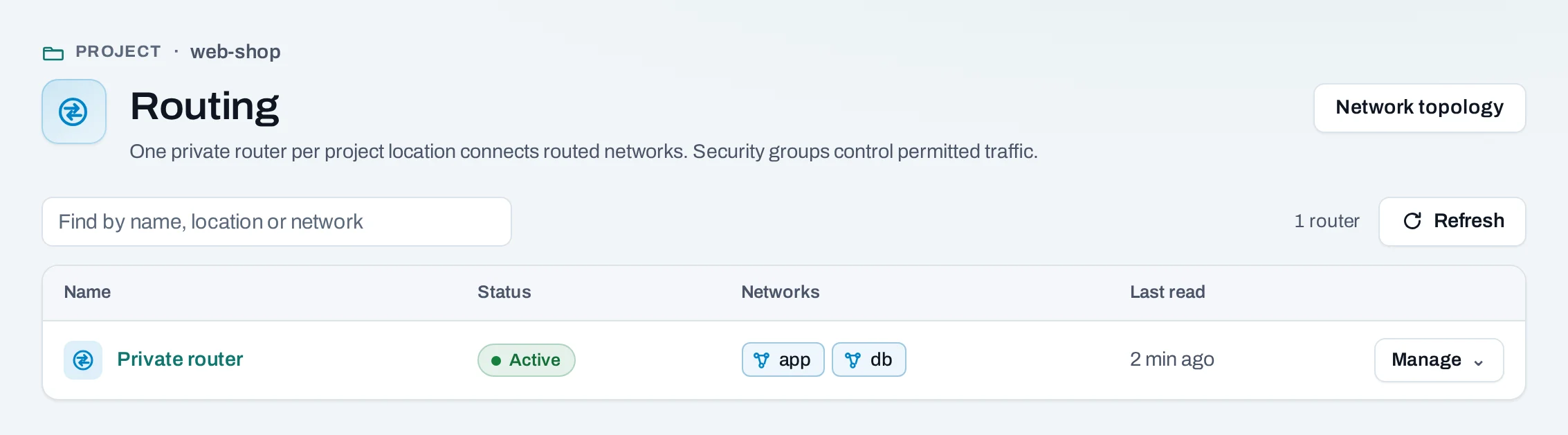
You do not create or delete this router; it comes and goes with the project. Nothing on it reaches the Internet until you add an Internet gateway. Security groups decide what traffic is allowed; the router only carries it.
Attach and detach networks
A network joins private routing when you create it as Routed. To change that later, use the network's Manage menu: Detach from private routing or Attach to private routing. A network must not overlap another routed network of the project to attach.
Send a range through an instance
A route sends traffic for a range to one of your instances, for example a VPN instance that reaches your office.
- On Routing, choose Manage → Routes and attached networks on the router.
- On the Routes tab, choose Add a route.
- Destination: the range, such as
192.168.50.0/24. Not0.0.0.0/0, which goes through the Internet gateway, and not the range of an attached network. - Next hop: the instance's private address, on an attached network.
- Choose Add route, then Save routes.
The list replaces the router's routes:
The instance at the next hop must also be allowed to forward traffic for addresses other than its own; otherwise the location drops it.
Let an instance forward traffic
Where the location offers it, an instance's interface can forward for private ranges behind it.
- Open the instance's Networks tab. Forwards for shows what each interface forwards for now; the column is missing where the location does not offer forwarding.
- Choose Manage → Forwarding… on the network.
- Enter the ranges, comma-separated, such as
192.168.50.0/24, 10.8.0.0/16. Leave it empty to stop forwarding. - Choose Save forwarding.
Then, inside and around the instance:
- Turn on IP forwarding in its system (on Linux,
sysctl -w net.ipv4.ip_forward=1, kept in/etc/sysctl.d/). - Add a route for the ranges with the instance as the next hop (above).
- Allow the forwarded ranges by address in the security groups of the instances they reach.
What is refused
| Refusal | Why |
|---|---|
| A range that is not private | Only ranges inside 10.0.0.0/8, 172.16.0.0/12 or 192.168.0.0/16, never 0.0.0.0/0: an instance cannot be a NAT to the Internet |
| A range of a network the instance is not on | The instance could then send as instances on that network |
| An interface with port security off | It already sends and receives for any address |
| More than ten ranges on an interface | Including address pairs set with the location's own tools |
Routers made outside NubeStack Cloud
A router made with a location's own tools is listed too, marked outside Nexus and extra
router. Its page shows its interfaces and gateway; you can attach and detach ranges and set its
gateway there. Your routed networks are not attached to it. Deleting one with interfaces needs
them removed first (DELETE …/routers/{id}?remove_interfaces=true in the API).
Limits
- One private router per project; up to 16 routes on it.
- The project's own router cannot be deleted (
router_managed).