Native OpenStack access
Each location is an OpenStack cloud you can also use directly: with its Horizon dashboard, and with the OpenStack CLI, the SDKs and Terraform's OpenStack provider. They see the same projects, with the same quota and the same access as the console, and keep working when the NubeStack Cloud console does not.
Find the way in under the project's Settings → Consoles and CLI. You need a role on the project.
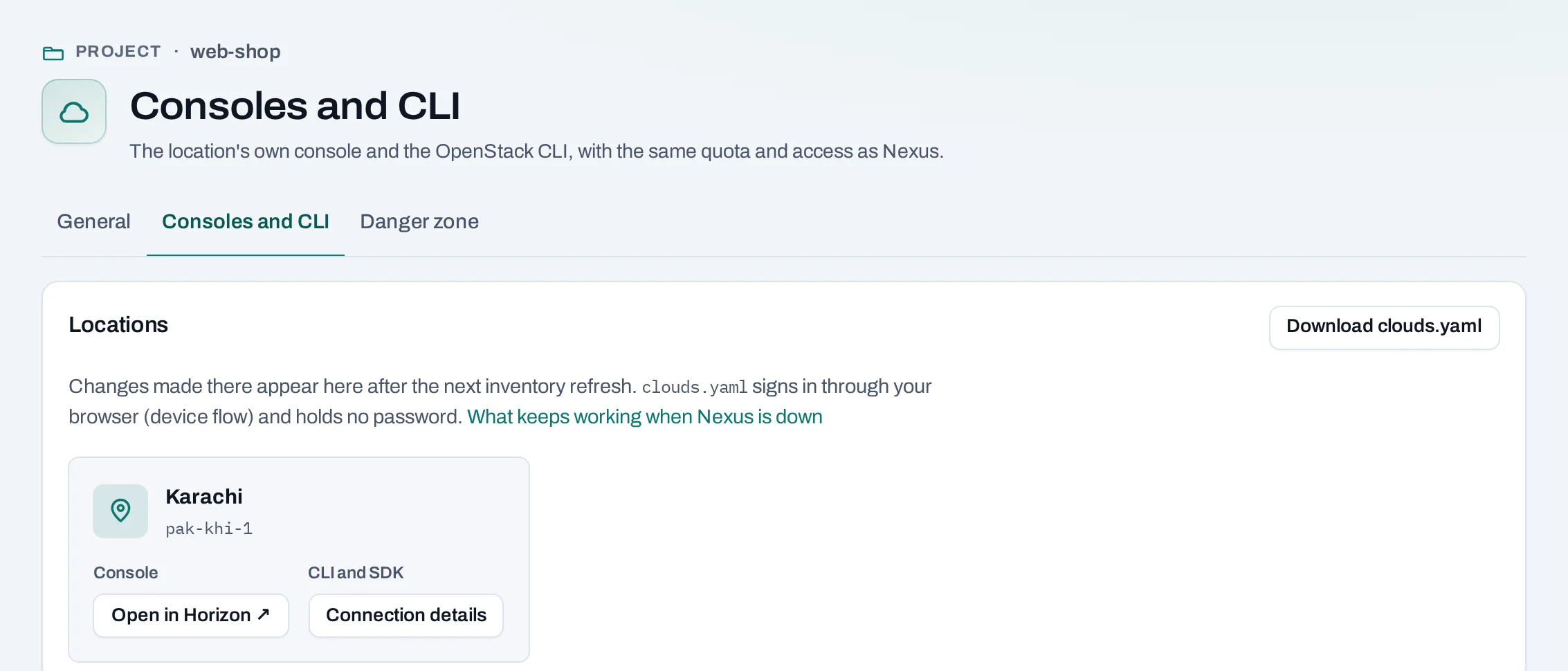
-
Sign in to a location's dashboard with your NubeStack Cloud account.
-
A
clouds.yamlwith no secrets, and a sign-in in your browser.
Your access there
| Your project role | In Horizon and the CLI |
|---|---|
| Project admin, project member | member: create, change and delete resources |
| Project reader | reader, where the location enforces read-only; otherwise none |
| Organization role only | None; you can read the connection details |
You sign in for one organization at a time. Signing in to a location always asks for your second factor.
Things you make there
Instances, networks and volumes made with Horizon, the CLI or Terraform appear in the console after its next regular check of the location, within about an hour, or at once when you choose Refresh. They count against the same quota and are managed like anything else; their page says Created by: outside Nexus.
Some things do not fit and are shown as found, such as a network with several ranges or an extra router. Stacks and Kubernetes clusters made there are not shown in the console, and must be deleted with those tools before the project can be deleted.
When access ends
Removing someone from the organization or a project ends their access in the console at once; each location follows within 15 minutes, not instantly. A session already open there keeps working until then.
When part of the service is down
| What is down | Horizon and the CLI |
|---|---|
| The NubeStack Cloud console and API | Keep working: your access is already in the location. Access and quota changes wait until it is back |
| NubeStack Cloud sign-in | New sign-ins fail; open sessions keep working until they expire |
| One location | Projects in the other location keep working |
For automation
The CLI's browser sign-in needs a person. For pipelines, use a service account's cloud credential.