Custom roles
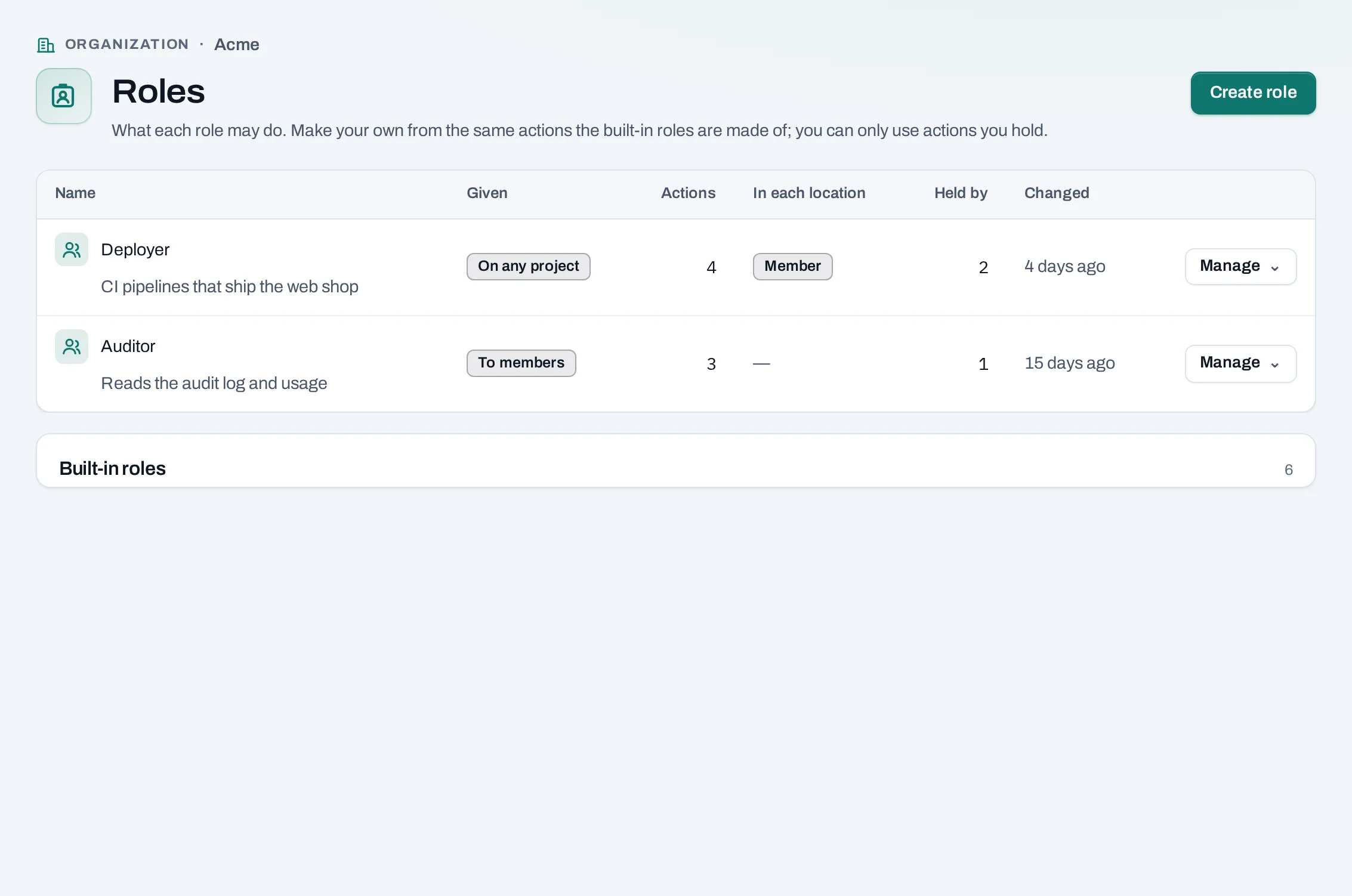
The built-in roles fit most organizations. When they do not, owners and admins can make custom roles: a name and a set of the same actions the built-in roles are made of. A project admin can make roles for their own project.
Find them under IAM → Roles in the organization. In a project, IAM → Roles shows the roles you can give there and the project's own.
Kinds of custom role
| Kind | Who makes it | Given to | Holds |
|---|---|---|---|
| Organization role | Owners and admins | A member, beside their built-in role | Organization actions, such as reading the audit log or seeing usage |
| Project role for every project | Owners and admins | A person or service account, on any project | Project actions, such as creating instances |
| Project role for one project | That project's admins, owners and admins | A person or service account, on that project | Project actions |
Never in a custom role: what only an owner may do (closing the organization, making someone an owner, the security settings), and creating or changing resources as an organization role.
Make a role
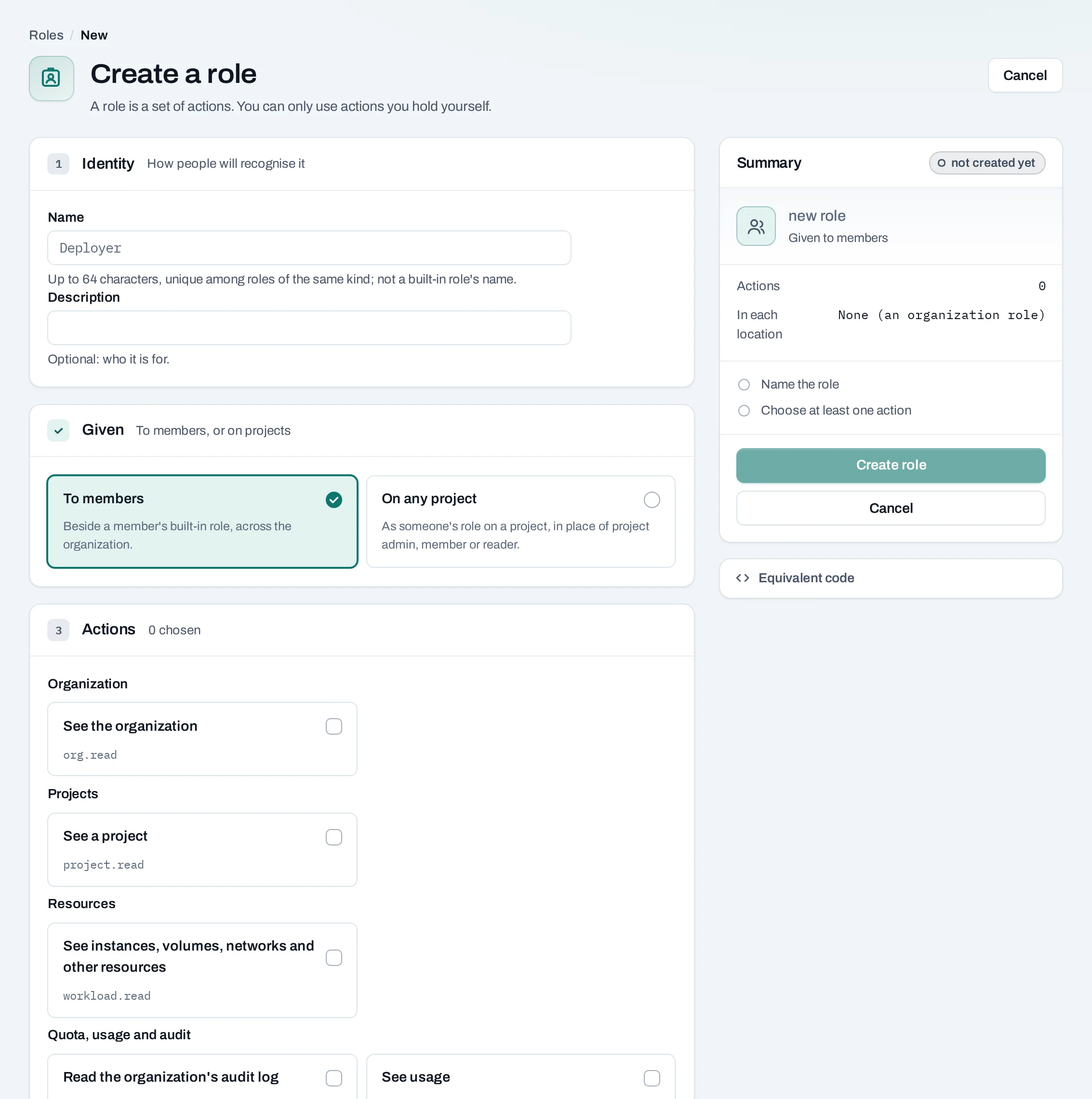
- Choose Create role.
- Name it, and choose whether it is given to members or on projects.
- Tick its actions. The ones you do not hold are shown but cannot be ticked.
- Save it.
Give an organization role from IAM → People → Manage → Organization roles. Give a project role from the project's IAM → People → Give access, from Give access on a person in the organization's IAM → People, or on an invitation. A project's own roles are under the project's IAM → Roles.
You can only give what you hold
You can put an action in a role, or give a role, only if you hold everything in it where it applies. Taking access away is bounded the same way: a custom role that manages members cannot demote or remove an admin. Two switches stay with owners and admins whatever a custom role holds: Members may create projects and Viewers may read the audit log.
A custom organization role that holds anything owners and admins do signs in with a second factor, as they do. A service account can hold a custom role only if everything in it is something a service account may do.
In each location's own tools
| The project role holds | Access in Horizon and the OpenStack CLI |
|---|---|
| Creating, changing or deleting resources | member |
| Seeing resources only | reader, where the location enforces read-only; otherwise none |
| Neither | None: the console and API only |
The console and API always check the role's exact actions; a location's own tools are coarser.
Change or delete a role
- Change its name or actions. The change applies to everyone who holds it from their next
request. Taking away the last write action removes their
memberaccess in each location within 15 minutes. - Delete a role nobody holds.
What blocks a delete
| Refusal | Why | Resolve |
|---|---|---|
role_in_use |
A member, a project grant or a pending invitation holds it | Give them another role first |
Other refusals when making or giving a role: role_escalation (it holds something you do not),
action_not_assignable, role_name_taken and role_limit.
Limits
- 50 organization-wide roles (organization roles and project roles for every project together), and 20 roles of each project.
- A member holds at most 10 custom organization roles, beside a built-in role.
- Names are unique among roles of the same kind, ignoring case, and never a built-in name.
Through the API
Roles are made and given by people in the console; a service account's API key cannot make or
give them. GET /v1/orgs/{org_id}/role-actions lists every action a role may hold, in words. The
routes are in API reference: Roles.