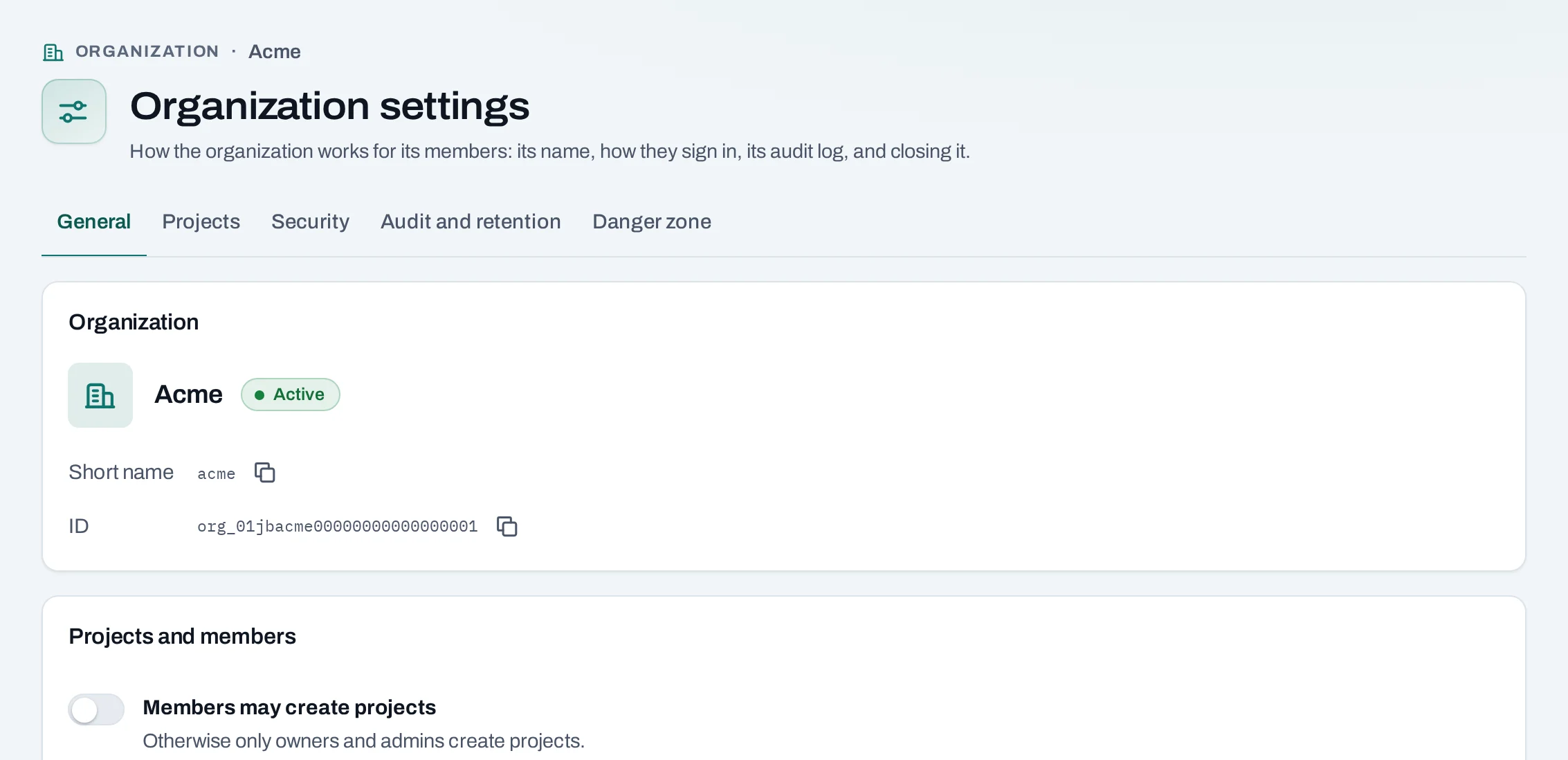
The organization's Settings, at the bottom of the menu in the organization scope, decide how
it works for its people. Owners and admins change most of them; the security settings and closing
are the owners' alone. The tabs are General, Projects, Security, Audit and
retention and Danger zone. Projects has its own page.
Organization settings: General, Projects, Security, Audit and retention, Danger zone
The organization's name and short name are set by NubeStack; ask support to
change them.
Members may create projects: off by default, so only owners and admins create projects. Turn
it on to let anyone with the member role create one; they become its project admin.
Owners only. Changing these asks for your own second factor first.
Enforce two-factor authentication: every member must sign in with a second factor. Members
without one are warned until the date shown, then refused until they set one up. See
Second factor.
Invitations only to these e-mail domains: list your domains, for example acme.example, to
refuse invitations to other addresses. Empty allows any domain. People already in the
organization are not affected.
Owners only: Close organization. The dialog lists every project it will delete and asks you
to type the organization's name.
When
What happens
At once
Every instance stops and pending invitations are revoked. Nothing can be changed; owners can still read everything
During the recovery window (30 days unless agreed otherwise)
Everything is kept. Cancel closure brings it back
When the window ends
Every project is deleted and every member removed. This cannot be undone
Afterwards
The audit log and usage records are kept for the period the page shows
While the organization is closing, an owner can take a copy of its records: Request data
export, then Download when ready. It is one JSON lines file with the organization, projects,
members, usage, statements and audit log. It holds nothing from inside your instances and volumes:
copy those yourself before the window ends.
Closing the organization beside deleting one project: what happens at once, during the recovery window, when it ends and afterwards.
Leave organization ends your own membership and your personal SSH keys here. The only owner
cannot leave: make someone else an owner first, with IAM → People → Manage → Make owner.